UV printing fixtures / BUYER GUIDE
How to Prepare Artwork and Fixtures for Direct-to-Object UV Printing on Plastic Parts
Prepare production-ready artwork, keep-out zones, white and varnish layers, and fixtures for repeatable UV printing on flat plastic parts.

Build the artwork around the component
Use a measured product drawing or a verified physical blank. Mark the finished print boundary, camera openings, speaker holes, buttons, raised features, parting lines, and any flexible or contact-prone edge. The visible product face may be larger than the safe printable zone. A small edge margin can protect the artwork from local variation and handling.
For full-colour jobs, supply final-scale artwork and define whether white and varnish layers are required. If the product is dark or transparent, the white mask must be intentional. If varnish is selective, provide a separate mask rather than describing it only in an email. Name layers clearly and retain a version-controlled approved file.
| Buyer-supplied item | Why the factory needs it | Practical check |
|---|---|---|
| Real blank or accurate drawing | Establishes print area and clearance | Compare drawing with physical part |
| Artwork at final size | Prevents late scaling changes | Check print boundary and resolution |
| Keep-out zones | Protects openings and functional areas | Verify with first-off sample |
| White/varnish masks | Defines layer order and finish | Review on intended blank colour |
| Handling and packing brief | Guides test and inspection plan | Identify rub/contact points |
Fixtures create repeatable registration
A fixture locates the part at a known X, Y, and height reference. For a batch of phone cases or tablet shells, it controls the relationship between artwork and the camera opening, outer edge, or reference corner. The fixture should support the part without deforming it and should allow operators to load it consistently.
Factory preparation often includes a first-off check using several blanks rather than a single part. This reveals whether the supplied component has dimensional variation, whether a lip catches the fixture, and whether the registration reference is practical. If the blank changes after sample approval, repeat the first-off review rather than assuming the original fixture will perform the same way.
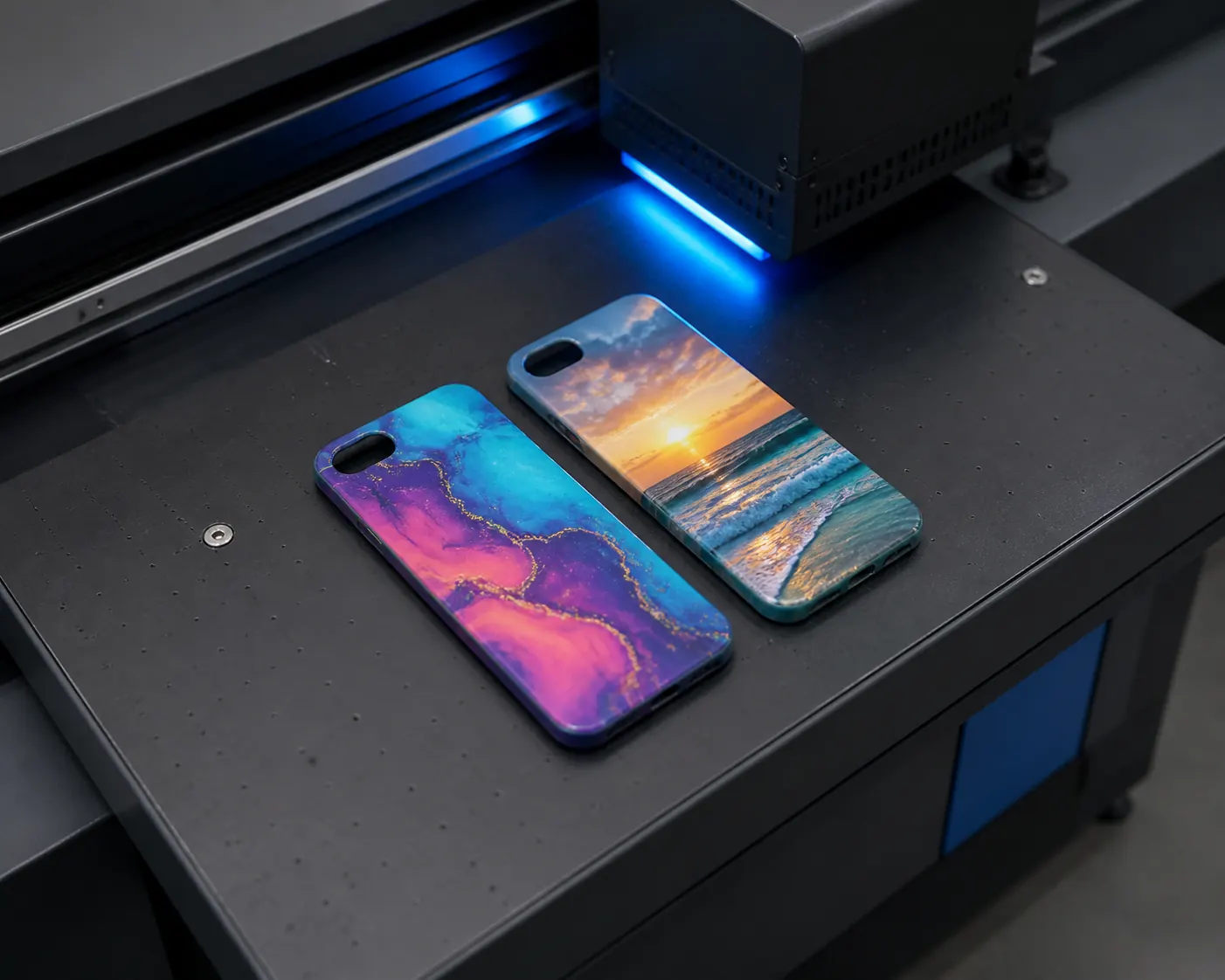
Approve a first-off sample before batch release
The first-off sample is the link between artwork approval and production inspection. Review it for position, colour, white coverage, finish, print-edge cleanliness, and any area near a functional opening. Record the approved sample, artwork revision, fixture reference, and the item version. This makes communication clearer during a shipment inspection.
FAQ
Can we send only a product photo?
A photo is useful for an initial discussion but cannot replace a physical blank or accurate drawing for final print-area and fixture approval.
Why are keep-out zones necessary on a flat panel?
Flatness does not remove the need to protect holes, edges, buttons, recessed areas, or zones that can vary between batches.
Can one fixture handle multiple case models?
Only if their dimensions and locating references are genuinely compatible. A shared fixture should be proven with each model before production.
Technical resources and next steps
Continue with our UV printable materials guide, supplier qualification checklist, and plastic-part QC checklist.
For independent technical background, review Epson's UV flatbed overview, Roland's smartphone-case handling guidance, and Mimaki's adhesion guidance. Validate every production decision on the actual blank and approved sample.
Continue your evaluation