UV white ink and varnish / BUYER GUIDE
White Ink and Varnish in UV Printing: When Flat Plastic Products Need Opacity, Texture or Gloss
Understand white ink and varnish layers for flat plastic products, including opacity, gloss, matte effects, artwork masks, and sample approval.
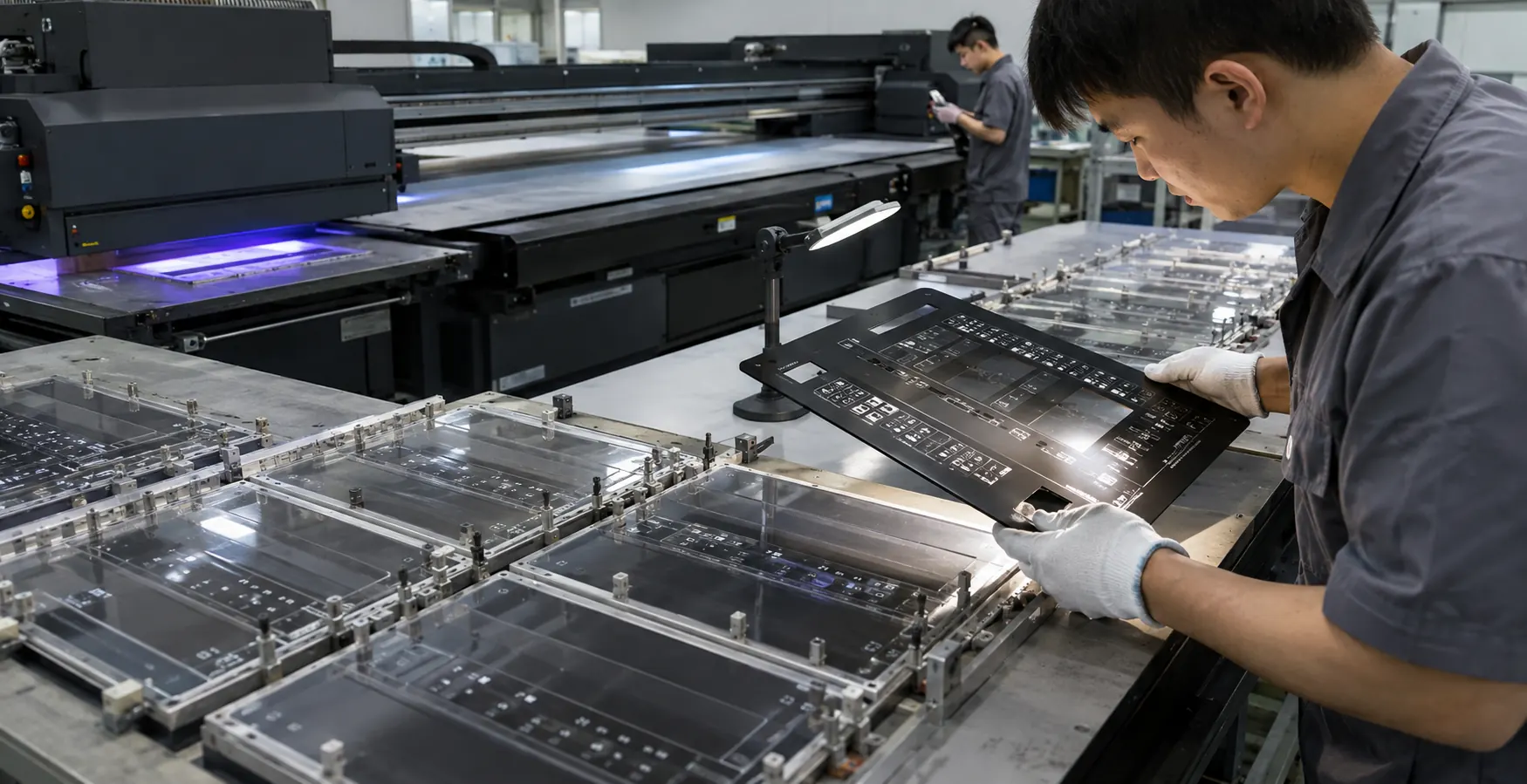
White ink is a layer decision
On a white opaque panel, full white coverage may add little value. On a black phone case, coloured artwork may need a white base to remain bright. On a transparent acrylic panel, the answer depends on whether the print is viewed from the front or through the reverse side. The production file should make this explicit.
Treat white as a named layer, not an assumption. Confirm whether it sits below colour, is used only behind selected artwork, or is part of a reverse-print construction. A factory sample should show the actual blank, artwork, and layer order so the buyer can approve opacity and edge definition.
| Requirement | Typical layer question | What to approve |
|---|---|---|
| Dark plastic shell | Is a white base needed beneath all colour? | Opacity, colour brightness, edge cleanliness |
| Clear acrylic | Is the graphic front-view or reverse-view? | Layer order and intended viewing side |
| Spot highlight | Should white appear only in selected areas? | Registration and artwork masks |
| Premium finish | Is gloss, matte, or contrast required? | Viewing angle, coverage, feel, packing impact |
Varnish should support the use case
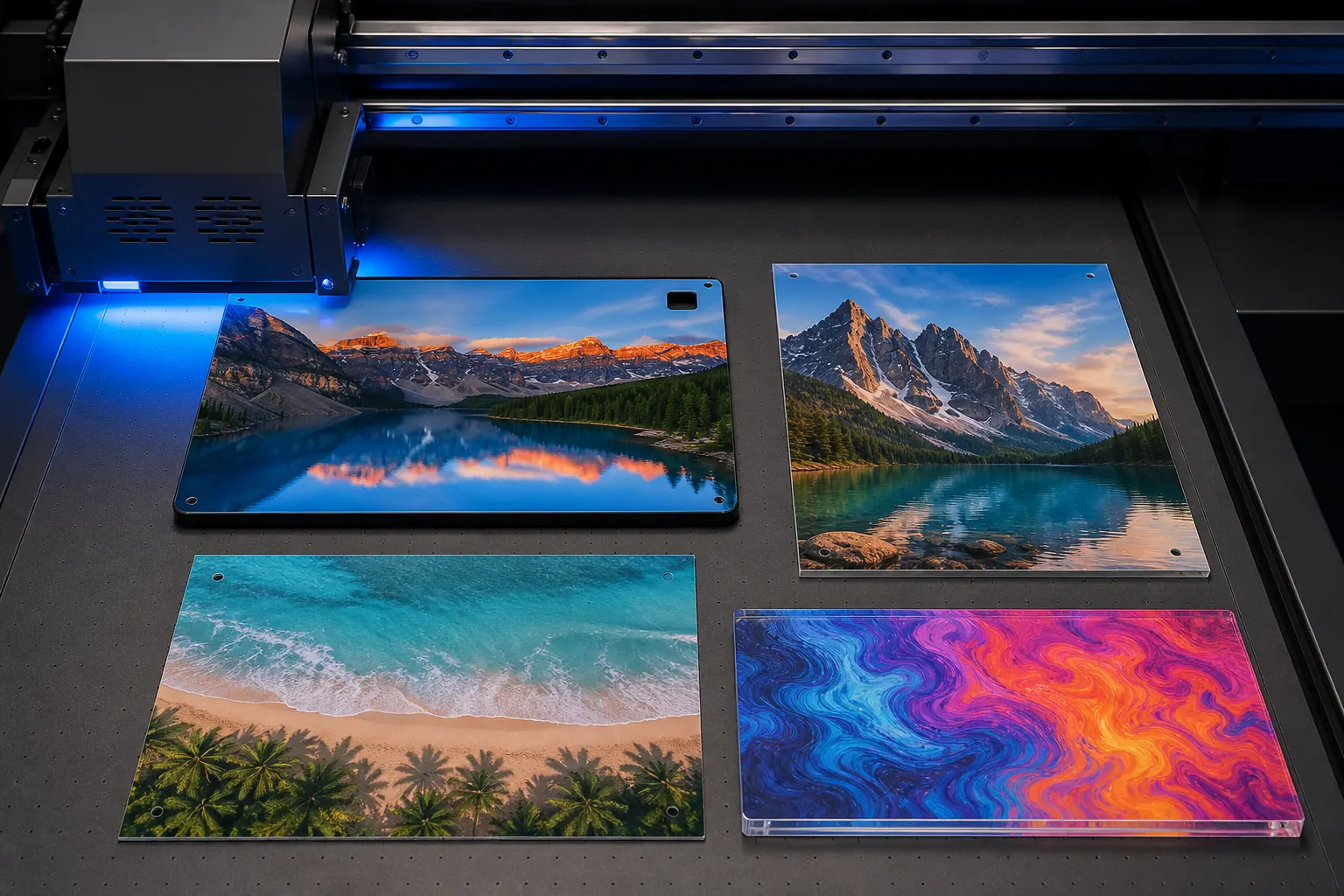
Varnish can emphasize a logo, create gloss on selected image areas, soften a visual field with matte treatment, or add texture. It can also change how a part looks under retail lighting and how it contacts adjacent products in packing. Define where it is used and whether coverage is full, selective, or absent.
A finish sample should be reviewed under representative lighting. Look at gloss uniformity, visible transitions, edge registration, fingerprints, and any areas that may be rubbed during assembly or shipping. “Premium” is not a measurable standard; an approved sample and documented visual expectation are.
Build the artwork file for production
- Supply the CMYK artwork at the correct final size.
- Provide separate, clearly named masks for white and varnish where required.
- Mark camera cut-outs, speaker holes, buttons, and print keep-out zones.
- Identify the blank colour and the intended viewing direction.
- Approve the layer order and first-off sample before batch release.
FAQ
Does white ink always make colour brighter?
It can improve opacity and colour appearance on dark or clear blanks, but the result depends on coverage, artwork, cure, and the base material. Review it on the intended component.
Can gloss and matte varnish be used together?
Many UV workflows can create contrast effects, but the file setup and available ink system must be confirmed. A sample is needed to approve the visual boundary and touch feel.
Is varnish a substitute for an adhesion test?
No. A varnish layer changes appearance and can add protection in a defined construction, but suitability for handling still requires an agreed product-specific validation.
Technical resources and next steps
Continue with our UV printable materials guide, supplier qualification checklist, and plastic-part QC checklist.
For independent technical background, review Epson's UV flatbed overview, Roland's smartphone-case handling guidance, and Mimaki's adhesion guidance. Validate every production decision on the actual blank and approved sample.
Continue your evaluation